
Choose what you would want back
Start with family photos, personal documents, business files and anything difficult to recreate. Files may be spread across your desktop, downloads, email and other folders. Make a list so important things do not get overlooked.
Keep a copy separate from the device
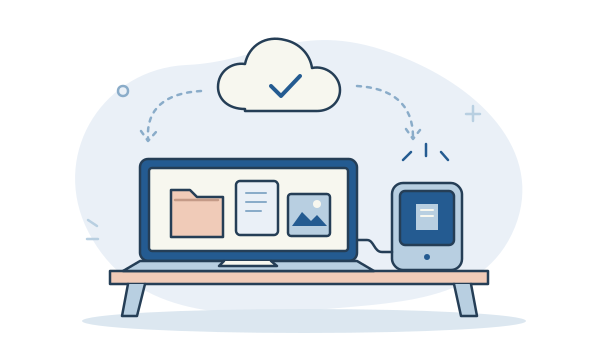
Another folder on the same computer does not help if that computer fails or is stolen. An external drive or a suitable cloud backup service can provide a separate copy. Consider a second backup in a different location for files that matter most.
Know what your cloud service does
Sync and backup are not always the same thing. A synced folder can copy a change or deletion to other devices. Check whether your service offers previous versions or deleted-file recovery, what it includes, and how long those options remain available.
Make a habit, then test it
Choose a schedule that fits how often your files change, and check that backups finish successfully. Try restoring a harmless sample file so you know the process works. If you use an external backup drive, store it safely and disconnect it when it is not in use.
The useful bit to remember
Start with one important folder today. Make a separate copy, check that you can open it, and build a routine from there.