
Separate the two connections
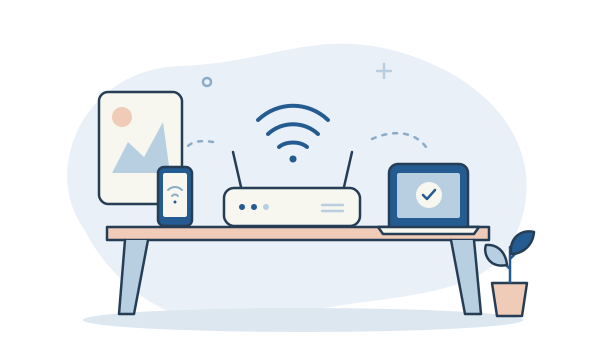
Your internet provider connects your property to the wider internet. Your router’s Wi-Fi connects your devices to the local network without a cable. Trouble with either can make a video call freeze, but the fixes can be different.
Try the same device near the router
Compare a simple task near the router and in the room where you have trouble. If it works nearby but struggles further away, Wi-Fi coverage may be the issue. If every device struggles everywhere, your internet service or router may need a closer look.
Give the signal a fair chance
Walls, distance and the router’s position affect coverage. A router hidden in a cupboard or tucked into a far corner may struggle to reach the rest of the home. A more open, central position can help, where the cabling allows it.
Choose the fix after the check
A different router position, a wired connection to a desk, an access point or a suitable mesh system may help. A faster internet package alone will not necessarily fix a weak Wi-Fi signal. A coverage check can help work out which change makes sense.
The useful bit to remember
Before upgrading your internet package, check whether the problem follows the room, the device or the whole connection.